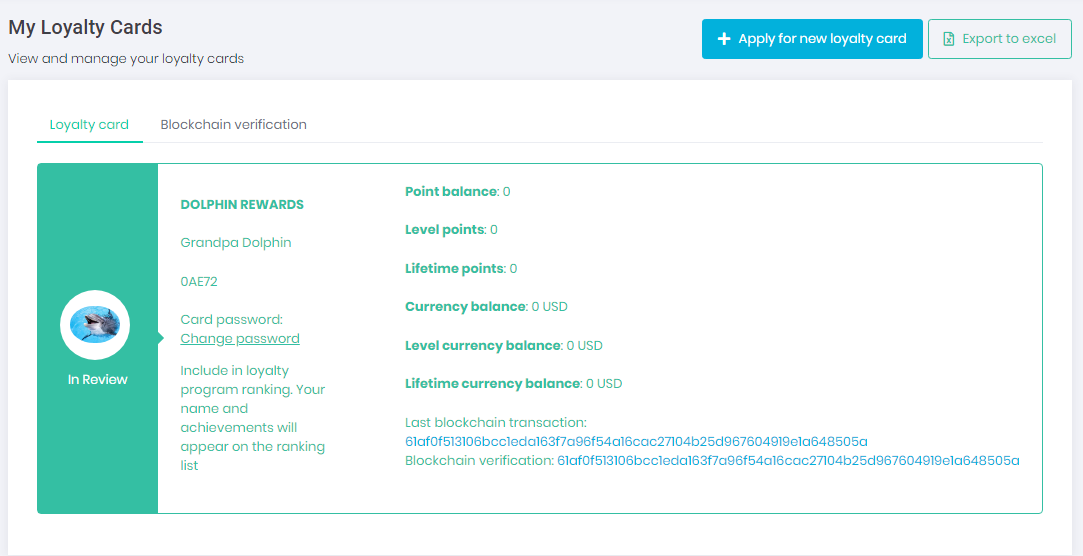
Loyalty Card Self Registration
Users can self register for the loyalty program in a number of ways:
- From Loyalty Welcome Page
- Using Self Registration Link
- Applying for new card under My Loyalty Cards section
From Loyalty Welcome Page
To learn how to setup loyalty welcome page, visit Manage Loyalty Program Welcome Page
Using Self Registration Link
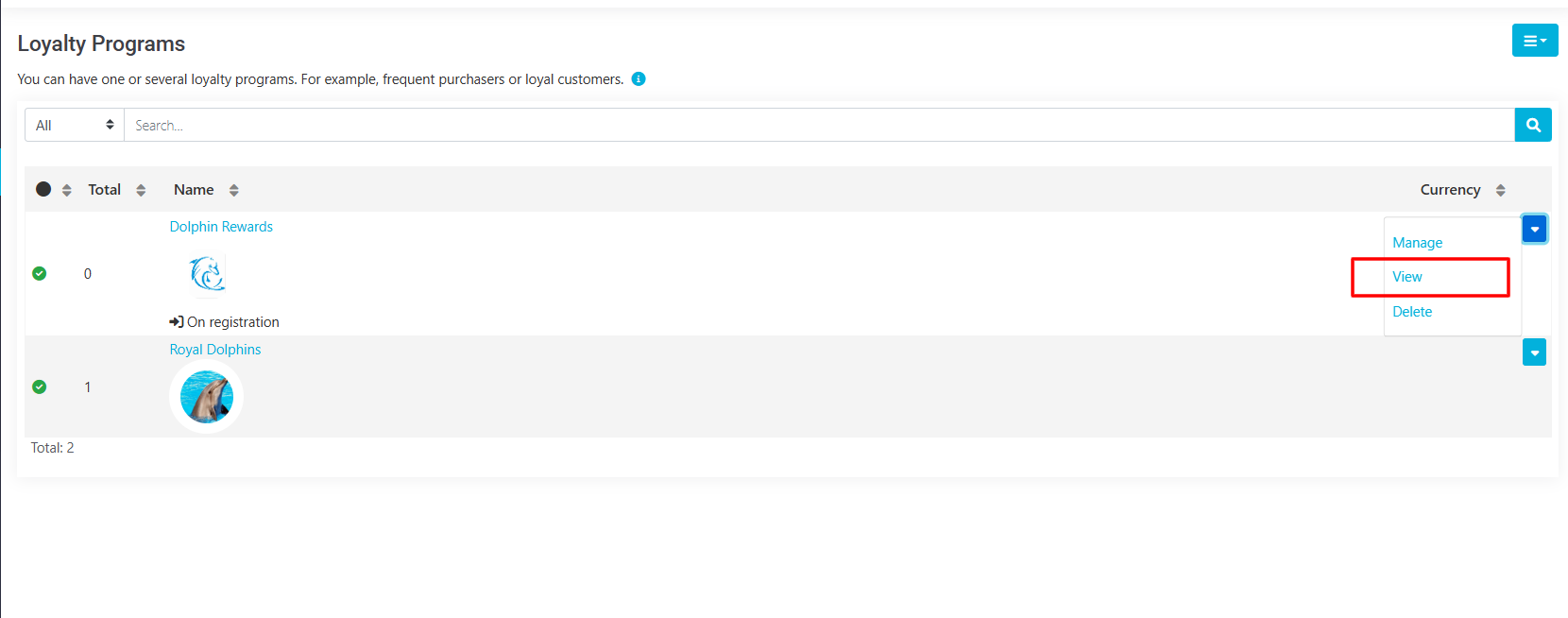
To get a link to your loyalty card self registration, navigate to omniLoyalty \ Configure \ Loyalty Programs and select View.
New page will open, just copy the URL from your browser navigation bar.
Applying for new card under My Loyalty Cards section
User may navigate to My Account \ Loyalty Programs \ My Loyalty Cards and click Apply for new loyalty card to get started.