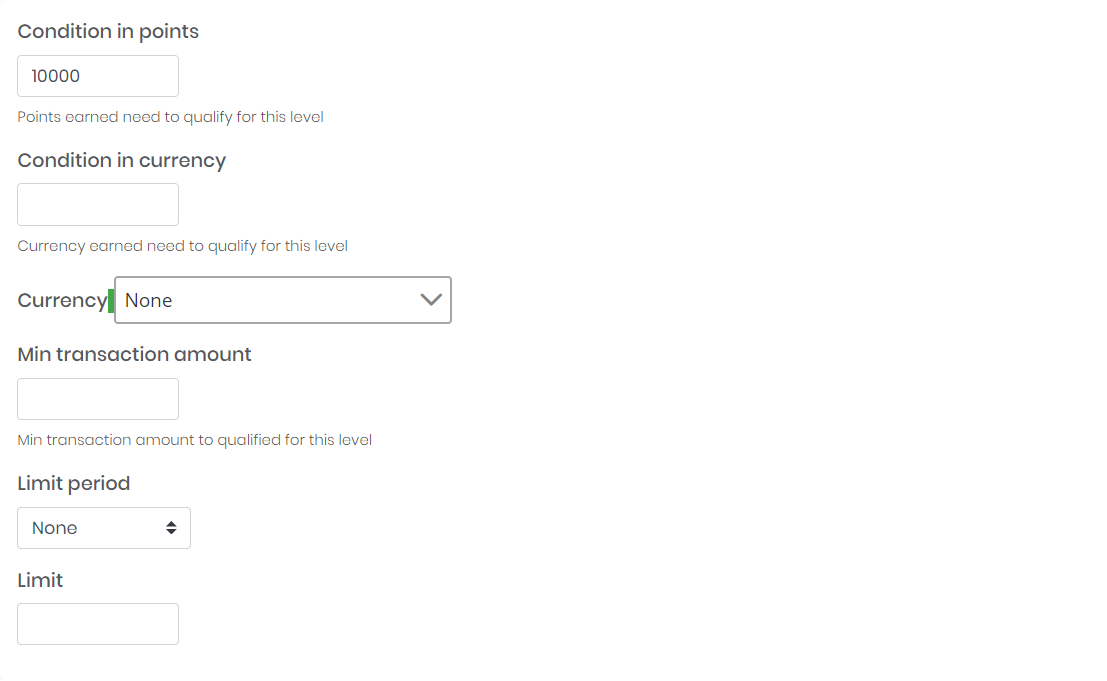
Manage Loyalty Program Levels
You can use loyalty program levels to create opportunities for customer engagement and set up targeted discounts and rewards based on a variety of conditions.
For example, the more points customers receive, the higher level they'll reach. And, the higher level of loyalty, the more rewards customers will get.
You can use levels to offer customer incentives, such as:
- Assigned a fixed reward to the particular level. The higher level – the better reward;
- Offer limited in time special rewards for customer assigned to particular level
Navigate to omniLoyalty \ Loyalty Setup \ Loyalty Levels to manage loyalty program levels. Your default Loyalty Program will be selected for you. If you want to edit a different loyalty program level, select it from the drop down at the top left corner.
- Next to the level name select option drop down and choose Edit to edit an existing level.
- Click Create in action menu to create a new loyalty program level.
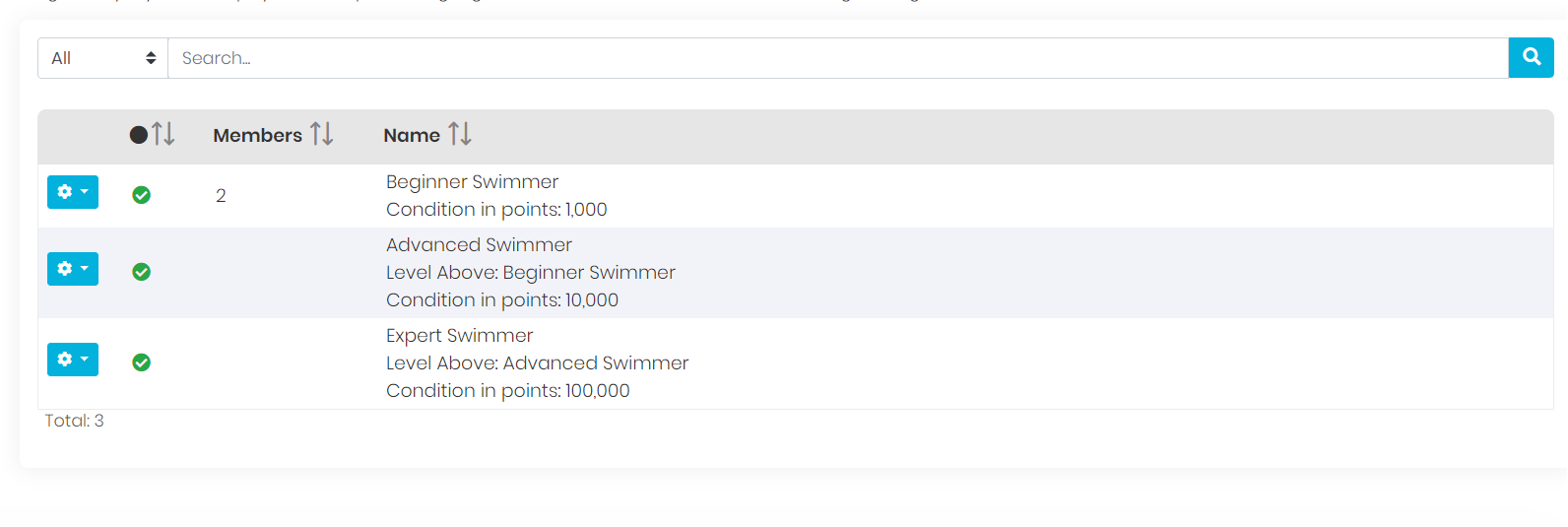
Configure Program Level
Navigate to Configure section.
- To activate the loyalty program level, in Status field select active.
- Select Level above if you want to tier levels. For a first level, it will be empty.
- Enter a unique level Name to identify the loyalty program level
- Enter a brief Description that explain purpose of the level for internal reference
- Enter Link to description if you want to direct user to a specific page.
- Choose Set as default, to designate this level as a default level for new loyalty cards.
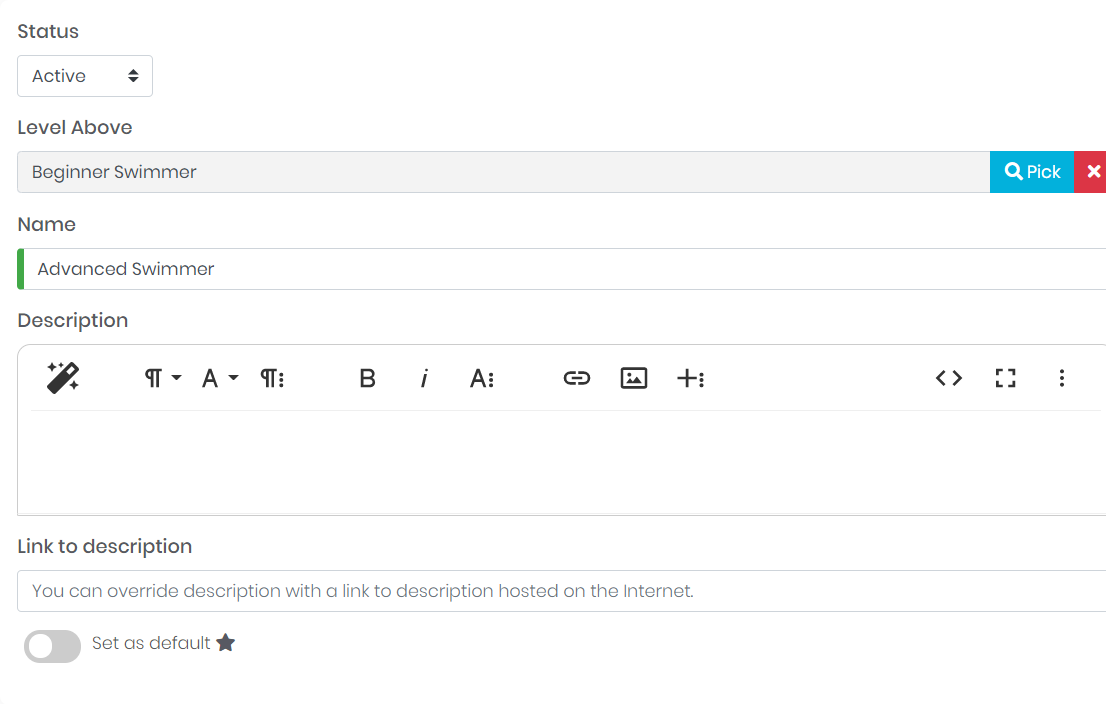
Configure Loyalty Level Conditions
Navigate to Conditions section.
Levels are used to categorize customers based on the value of their transactions (orders) - The higher value/amount of transaction, the more points they will get and the higher level they'll reach. Customer is assigned to only one level at a time.
Customers are placed into a levels based either on their total amount of transaction or points they have earned. If customer has spent enough money or earned enough points to move up a level, his level will automatically move up and he will be informed about it via email. The only scenario when customer can return to previous level is when order, which caused this promotion, will be returned.
Customer level can be also changed to higher or lower manually by the Admin user. Each level can provide fixed discounts and also have exclusive rewards that can only be claimed when a customer is on that level.
- Depending on the configuration, set Condition value as a minimum points value or minimum transaction amount in currency needed to be achieved to be assigned to this level.
- If you set condition in currency, specify the Currency for transactions.
- If applicable, enter Min transaction amount that need to be exceeded to add points/transaction value to sum for this level.
- You can limit to what period this level applied. After the limit expires, loyalty card will be downgraded to level below.